Fixing Zsh Tab Completion for the Netlify CLI on MacOS
tl;dr: For Tabtab completions to work with zsh, the user needs to have run the compinit function and granted execute permissions on the completion script. Dylan and I resolved these issues in the Netlify CLI’s completion command here, and completions are now functional for MacOS users as of version 17.37.2.
Dylan Spyer and I recently collaborated on a series of open-source contributions to the Netlify CLI, including one issue with zsh shell compatibility with the tab-autocomplete feature. The completion:install command is meant to enable tab-autocomplete functionality for Netlify commands, but it didn’t function as expected for MacOS users. As summed up by one user on the CLI’s Github: “Completions don’t work.”
The completion command uses a package called tabtab to generate a completion script for the user’s shell. The expected behavior looks something like this:
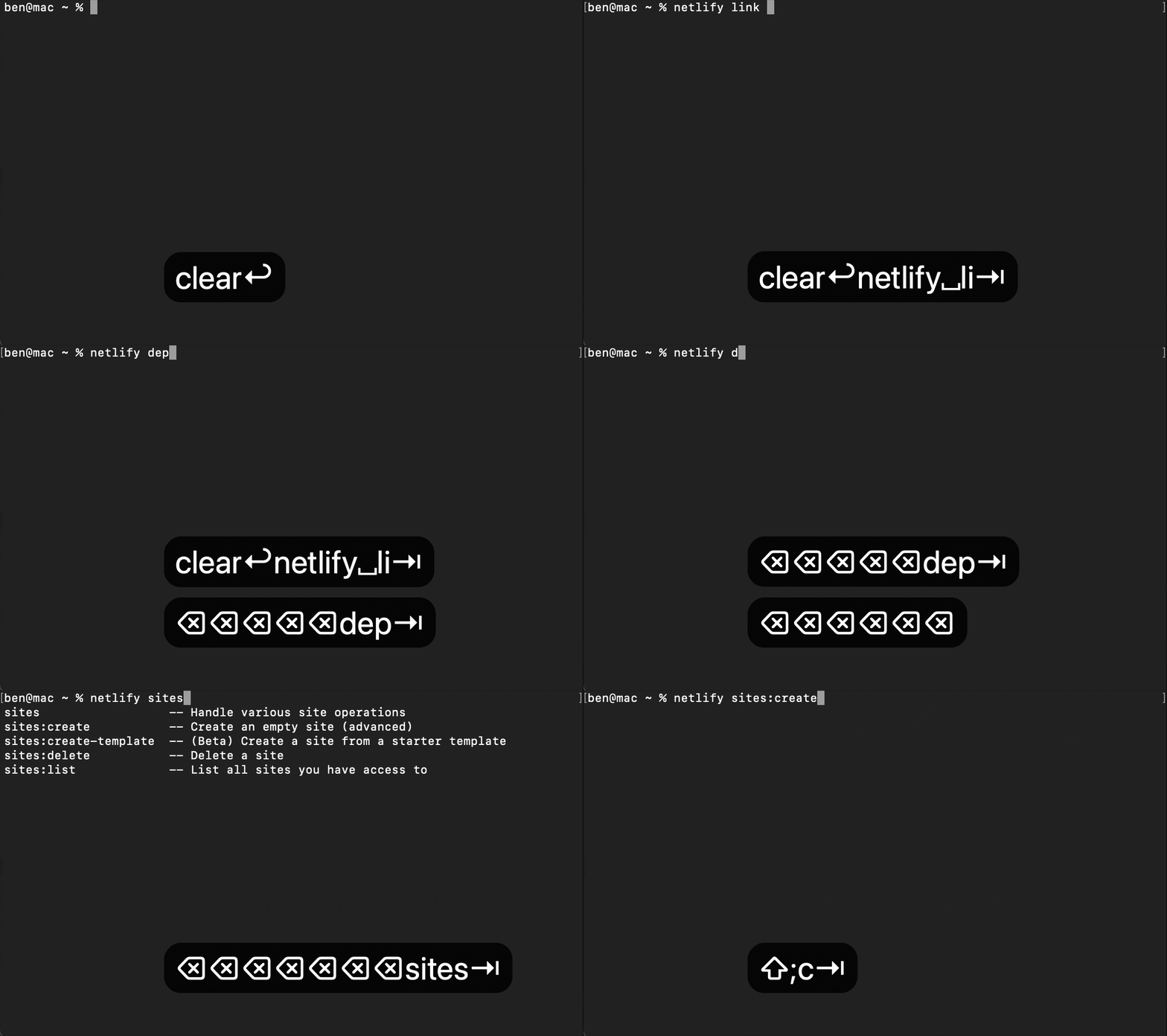
But for some users on MacOS, after installing completions, the behavior instead looked something like this…
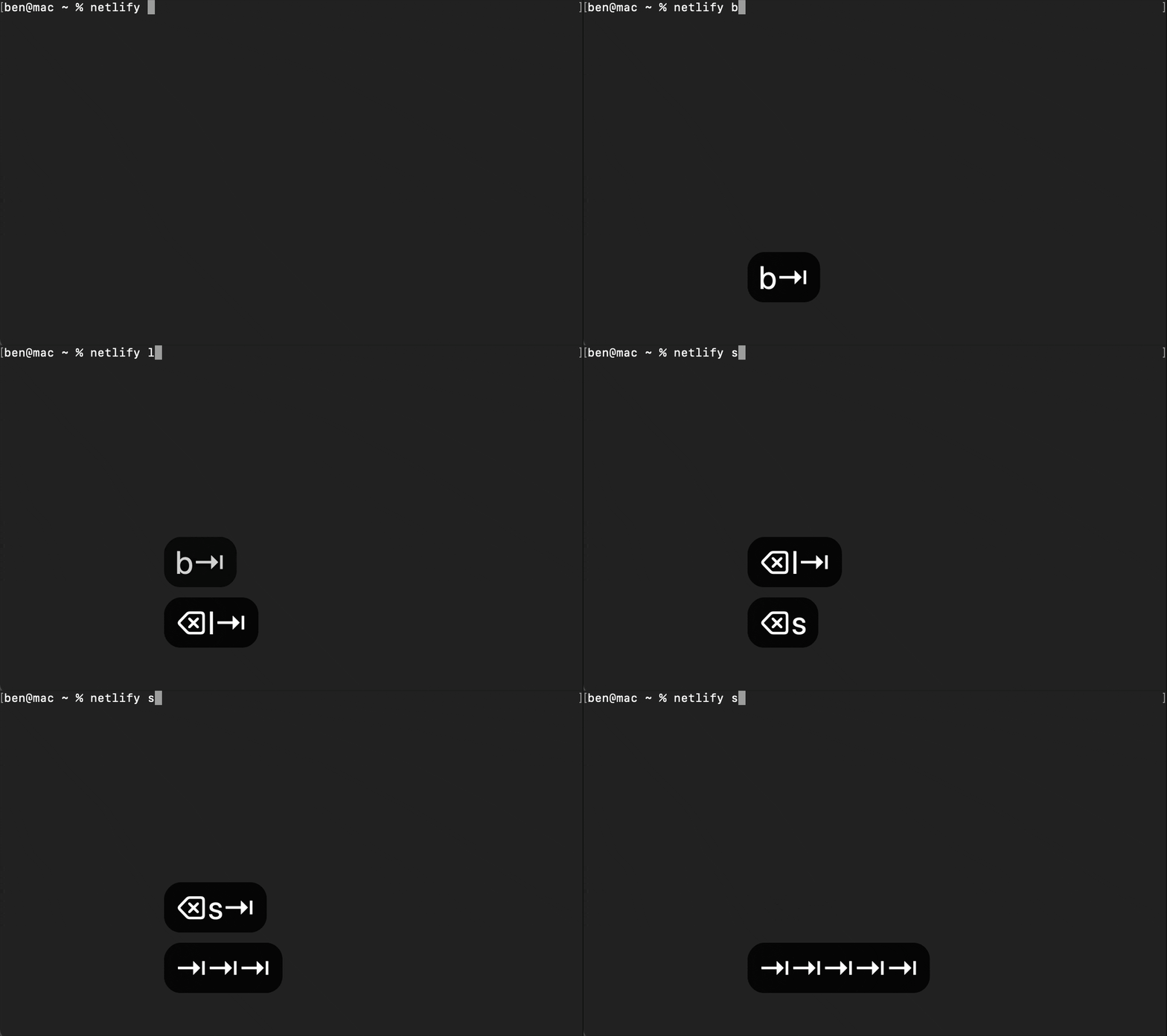
As it turns out, in order for any completion packages to work with zsh, the user needs to run the compinit shell function to load the necessary completion scripts and configure and enable tab-completions. So, any user of zsh whose .zshrc configuration file did not have a line loading and running compinit was bound to have Netlify completions fail.
But, the fix for this was simple: prompting any zsh user to have the line autoload -U compinit; compinit automatically added to the top of their .zshrc shell configuration file (if they don’t have it already) resolves the issue and makes Netlify CLI completions work for users on zsh!
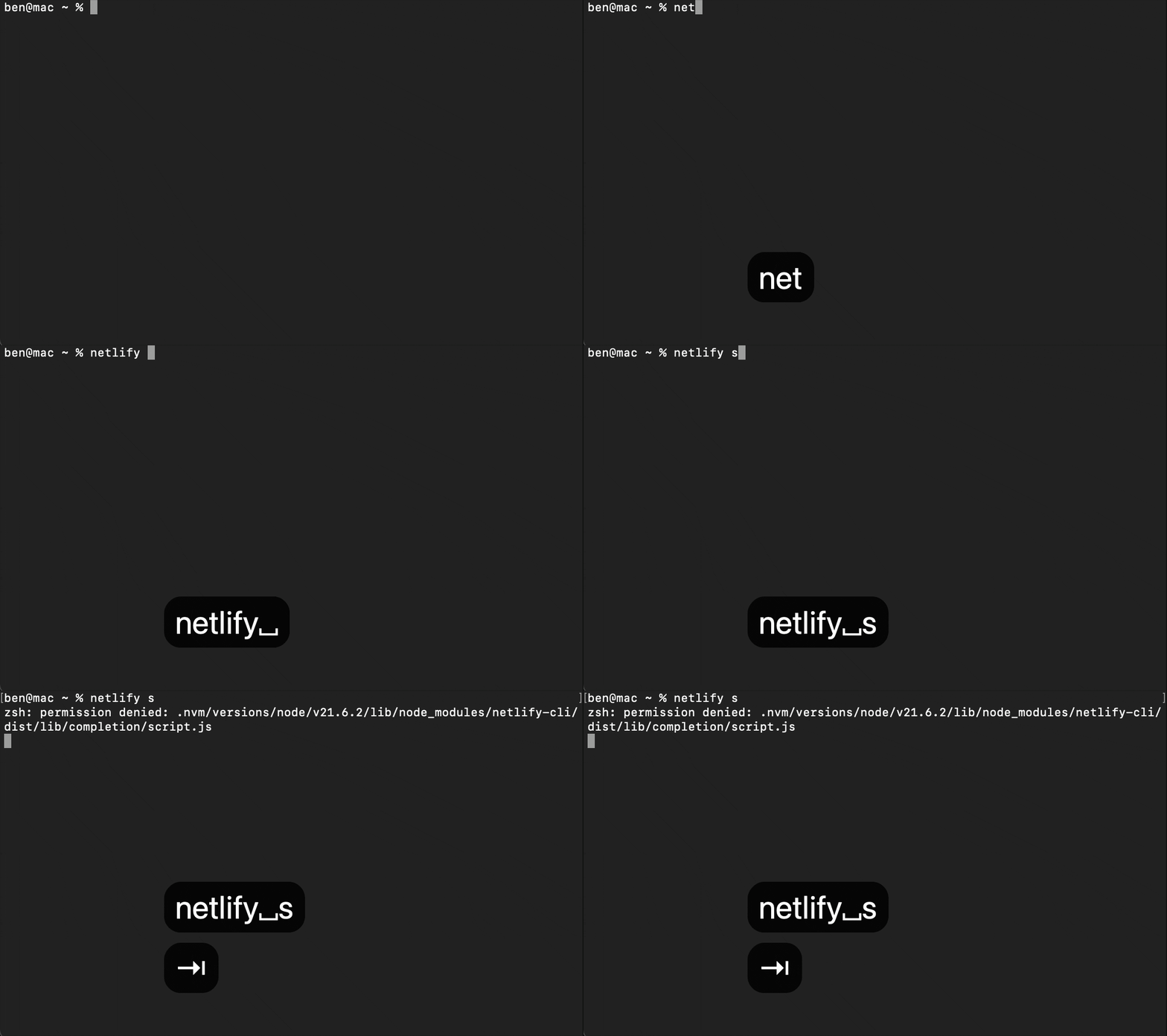
…Not so fast. On top of the issues specific to zsh, MacOS users also had an issue where the completion script for Netlify CLI commands may not have the access permissions that tabtab needs to execute the script.
The final step to making completions work was to handle adding these permissions to the completion script. We could do this automatically, like we did with the compinit line. But after talking with some Netlify folks, we determined that it was best to simply output the chmod +x command with the correct script path to allow the user to run it themselves in the case that their script lacks the needed permissions, rather than modifying file permissions on the user’s behalf.
And with that, completions are now functional on zsh and MacOS!
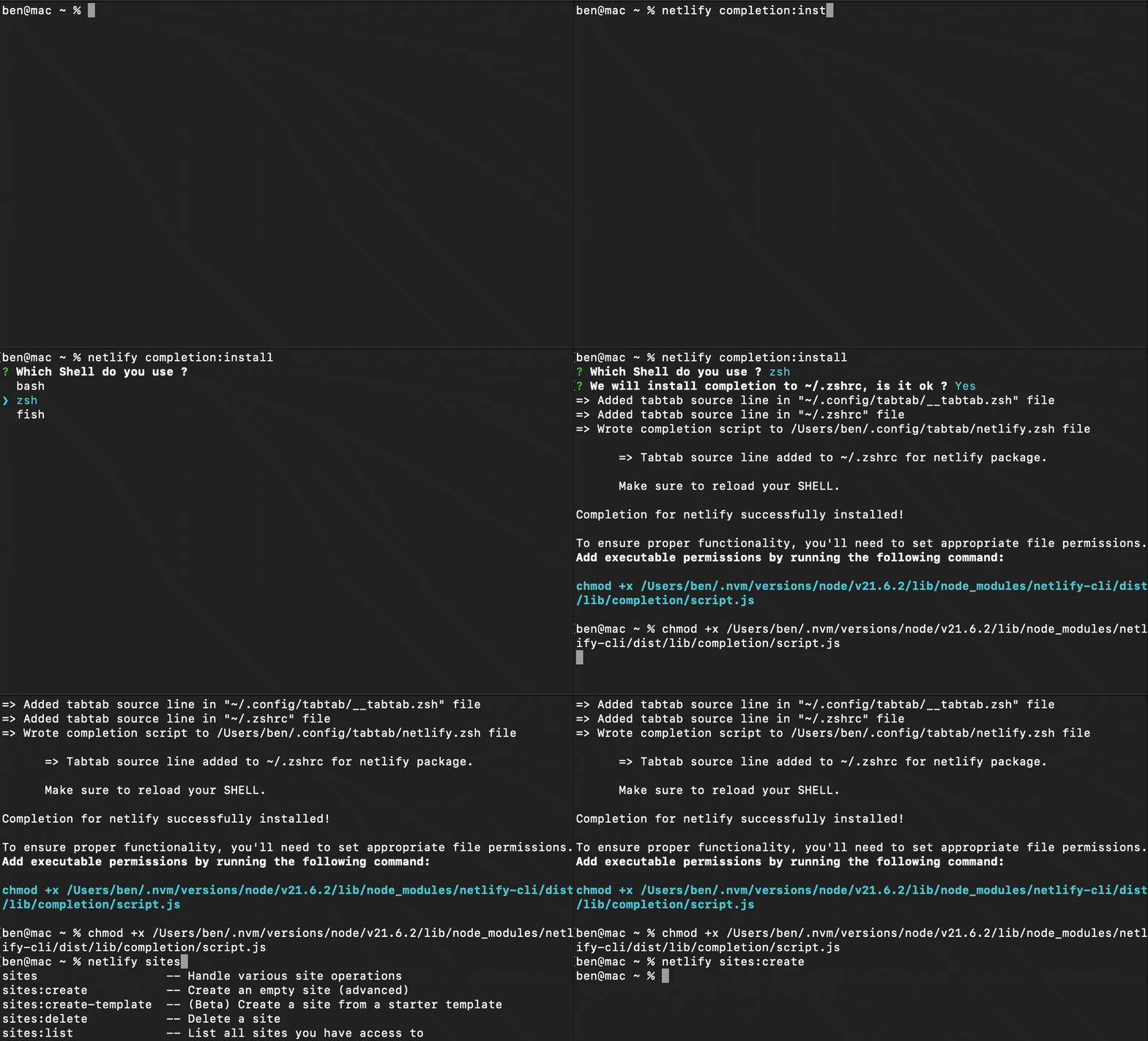
If you’re a MacOS user who has had trouble using Netlify CLI’s completions, you can now give them a go as of version 17.37.2!